What is Stargate VR Experience?
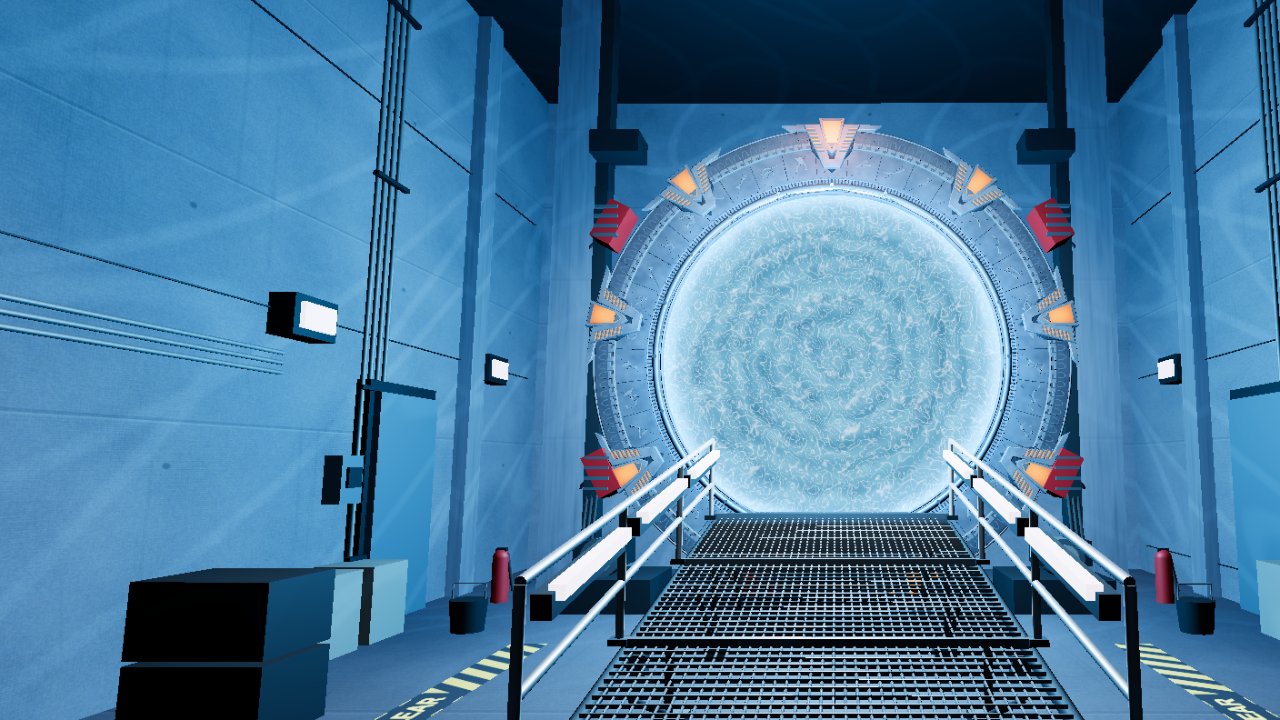
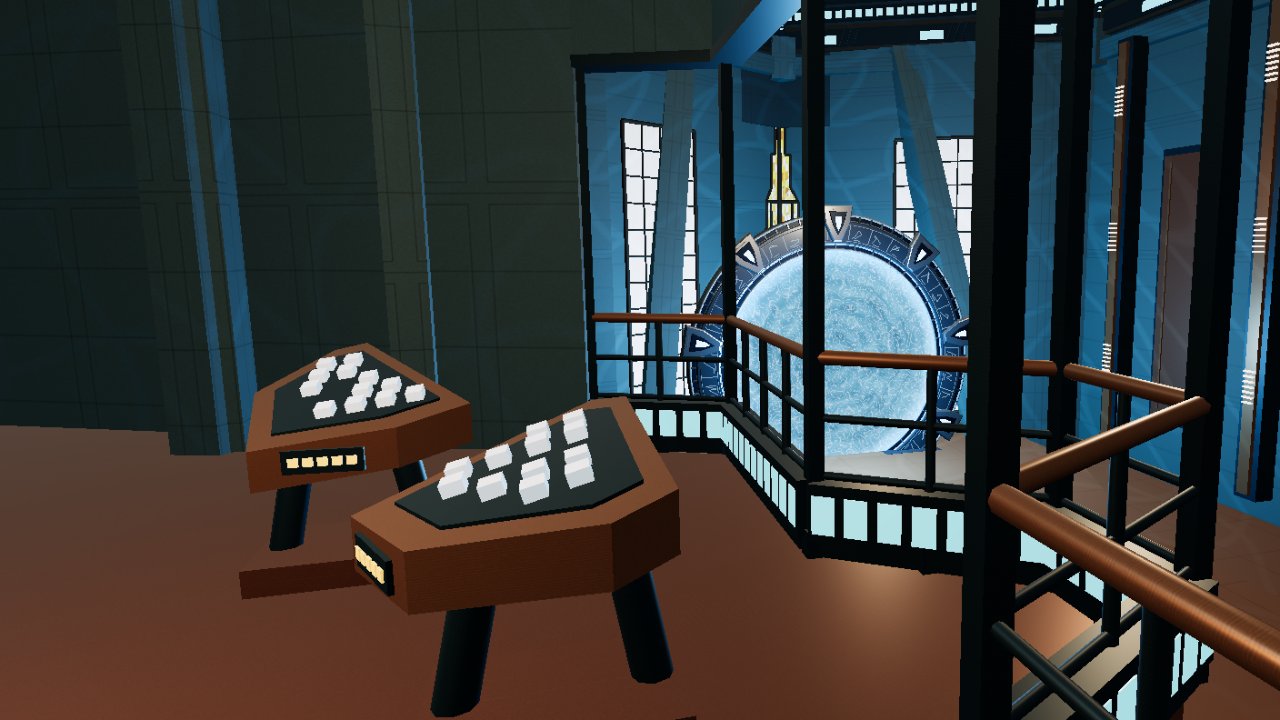
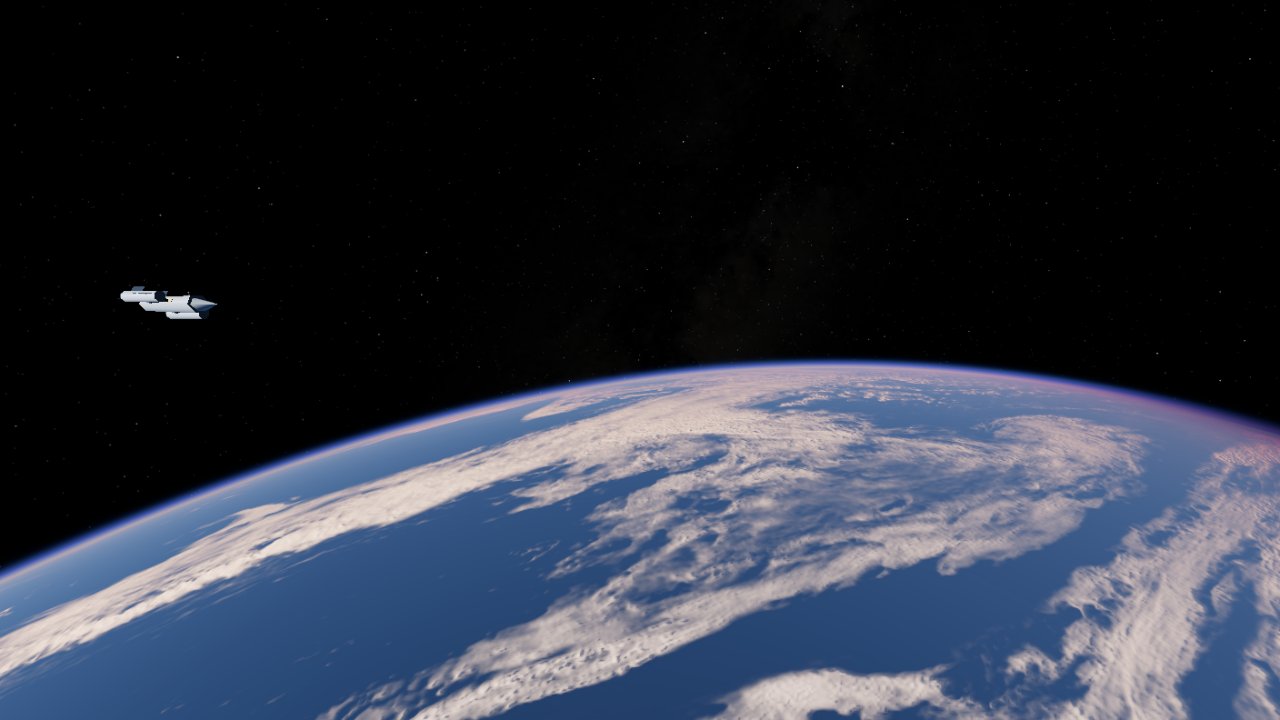
Stargate VR Experience is a free, unofficial browser experience made by a Stargate fan. Explore three connected interiors: Atlantis, a spaceship and Stargate Command. Open the Stargate, walk through the wormhole and continue your journey in the next world. The ship can also travel between Earth and Mars through hyperspace.
Is this real VR, or a flat screen inside a headset?
On a compatible Meta Quest headset, Explore in VR starts an immersive WebXR session. The scene surrounds you in 3D, follows your head movement and supports the tracked controllers. The phone and PC versions show the same worlds on a regular screen. Open the VR page in Meta Quest Browser to enter immersive mode.
Which devices can I use?
Use a modern browser with WebGL on a phone or computer, or Meta Quest Browser for immersive VR. Quest 3 is the main VR performance target. PC exploration uses a mouse and keyboard; mobile exploration uses touch controls. Compatibility and graphics quality depend on your browser and hardware. Other VR headsets are not currently a verified target.
Is it free? Do I need an account or an installation?
The experience is free to explore directly in your browser. No game installation or project account is required. Models, textures and sounds download as you explore, so allow the first scene to load. The optional project newsletter is separate from playing.
Where does the Stargate take me?
Every new journey starts in Atlantis with the gate closed. Open it and step through to follow the route: Atlantis → spaceship → Stargate Command → Atlantis. The landing page shows the SGC as a preview; it does not change your starting point. These are explorable rooms, not a recreation of the entire city of Atlantis.
How do I travel to Mars?
Reach the spaceship through the Stargate, then approach the hyperdrive console near the observation window. The screen offers the other available destination: Mars when you are at Earth, or Earth when you are at Mars. Select Engage Hyperdrive. The ship turns, enters the hyperspace window and arrives at the new planet. This is an observation voyage from inside the ship; you do not land on the surface.
How do I move and open the gate?
On PC, enter the experience to capture the mouse, look around with the mouse, and walk with the arrow keys, WASD or ZQSD. Holding right click also moves forward. Aim and left click to interact; press Esc to release the cursor and open the menu. On mobile, drag to look, use the movement joystick and tap the gate action. In VR, use the left stick to walk and the right stick to turn. With the menu closed, either trigger opens or closes the gate; when pointing at a physical console, it selects that console instead. Squeeze a side grip to show or hide the menu.
Can I touch the open Stargate in VR?
Yes. Bring either or both controllers into the open surface to create ripples and liquid sounds, with vibration where controller haptics are supported. Your head crossing the gate starts the journey; reaching in with your hands alone does not send you through. The experience uses controllers, not bare-hand tracking.
Why is there no sound when I first open the page?
Browsers can require a tap or click before playing audio. Enter the experience and enable sound with the speaker control. Check your device volume if it is still silent. Music has its own controls; the optional SoundCloud backup needs an internet connection and may require a separate play action.
Can I adjust comfort and graphics in VR?
Yes. Open the menu with a side grip, then use the help and comfort settings to adjust height and walking speed. Turning uses 30-degree steps. Graphics settings offer automatic quality and sharper or smoother presets; the renderer can reduce resolution and effects to protect performance. A higher setting is not a guarantee of a fixed frame rate.
Is this an official Stargate game?
No. This is an independent, unofficial project built by a Stargate fan, for fellow fans. It is not affiliated with or endorsed by the Stargate rights holders. The worlds are fan interpretations and the experience is focused on exploration. Third-party sound and texture sources are credited in the experience.